Let’s try it out.
This is a practice neighborhood. You can edit the sample records and try the buttons. Start as the treasurer, then see how it looks to a resident.
1. Start as the treasurer
Try these one at a time. The green save button finishes each edit.
- Open Homes & residents, find Jane, and change her phone number.
- Open Notices and add a notice. Save a draft first, then edit it to publish.
- Open Events and add a neighborhood meeting.
- Open Documents and file a PDF. Choose who can read it.
- Return Home to record a check or mark one as deposited.
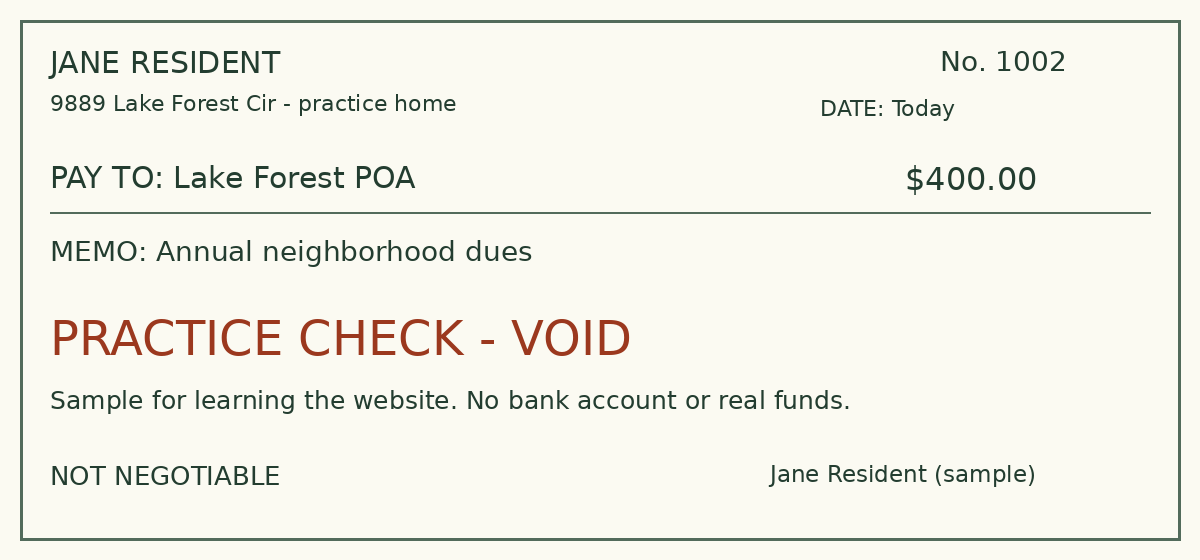
For uploads, use the practice check for Jane’s remaining $400 or the sample PDF.
2. See it as a resident
Use “Start here / switch accounts” at the top of any page to come back. Each button signs you into that sample account.
More sample accounts and board roles
More things to try
These two examples sign you out first, just as if you opened a link from an email.
Read practice emails sent from this siteBank-payment buttons explain the next step without connecting to a bank. Kevin’s sample account shows a payment in progress; Pat’s shows a completed payment and receipt.
The login details never change
Every practice password is password. The buttons above save you typing it. These logins are for this practice site.
- Treasurer
- [email protected]
- Resident — Jane
- [email protected]
- Resident with overdue dues — Maria
- [email protected]
- Bank payment in progress — Kevin
- [email protected]
- Paid in full — Pat
- [email protected]
- Automatic payments — Robert
- [email protected]
- Board administrator
- [email protected]
- Board member
- [email protected]
- Home project reviewer
- [email protected]
- Neighborhood concerns officer
- [email protected]